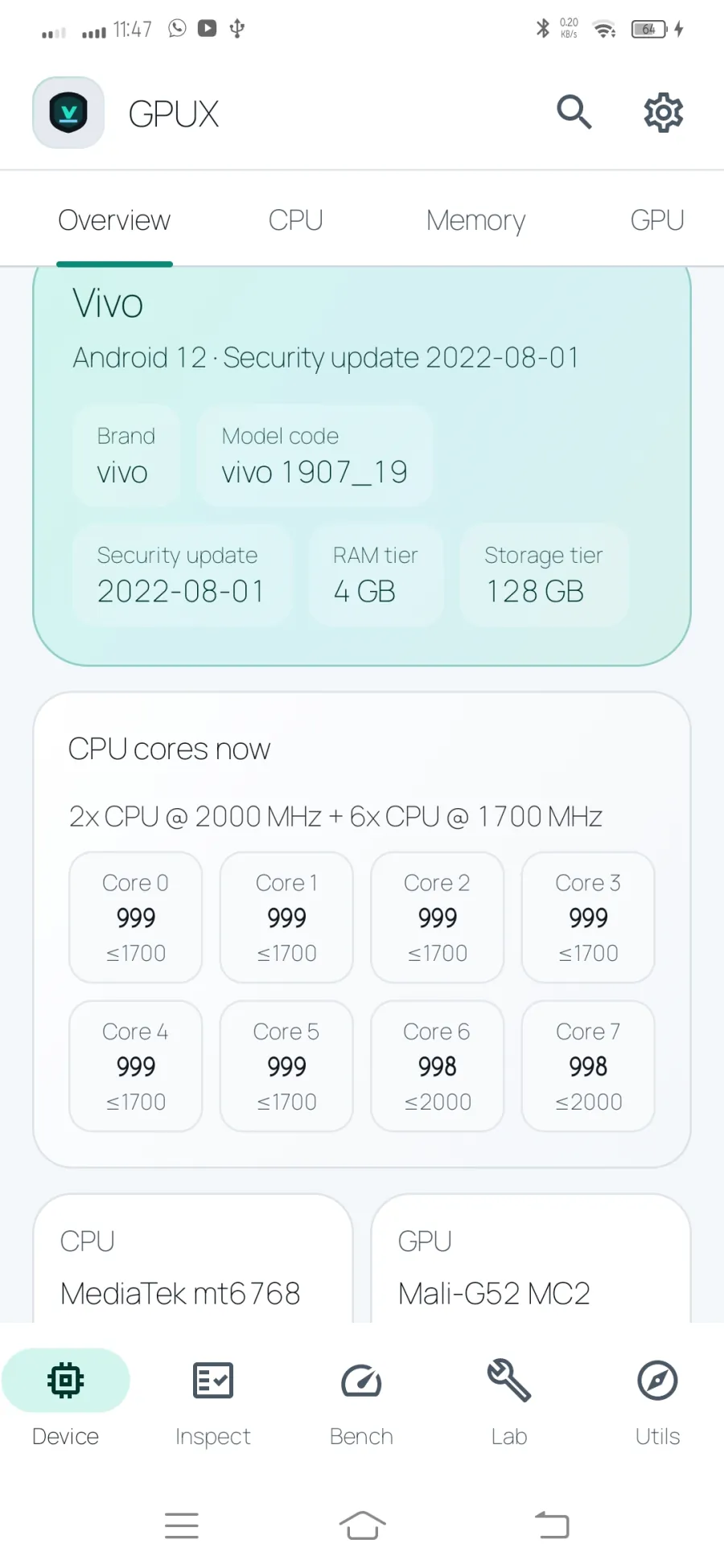
Get a readable overview of the phone: model and Android details, security patch, CPU and GPU, memory, storage, battery, cameras, sensors, connectivity, and other values Android makes available.
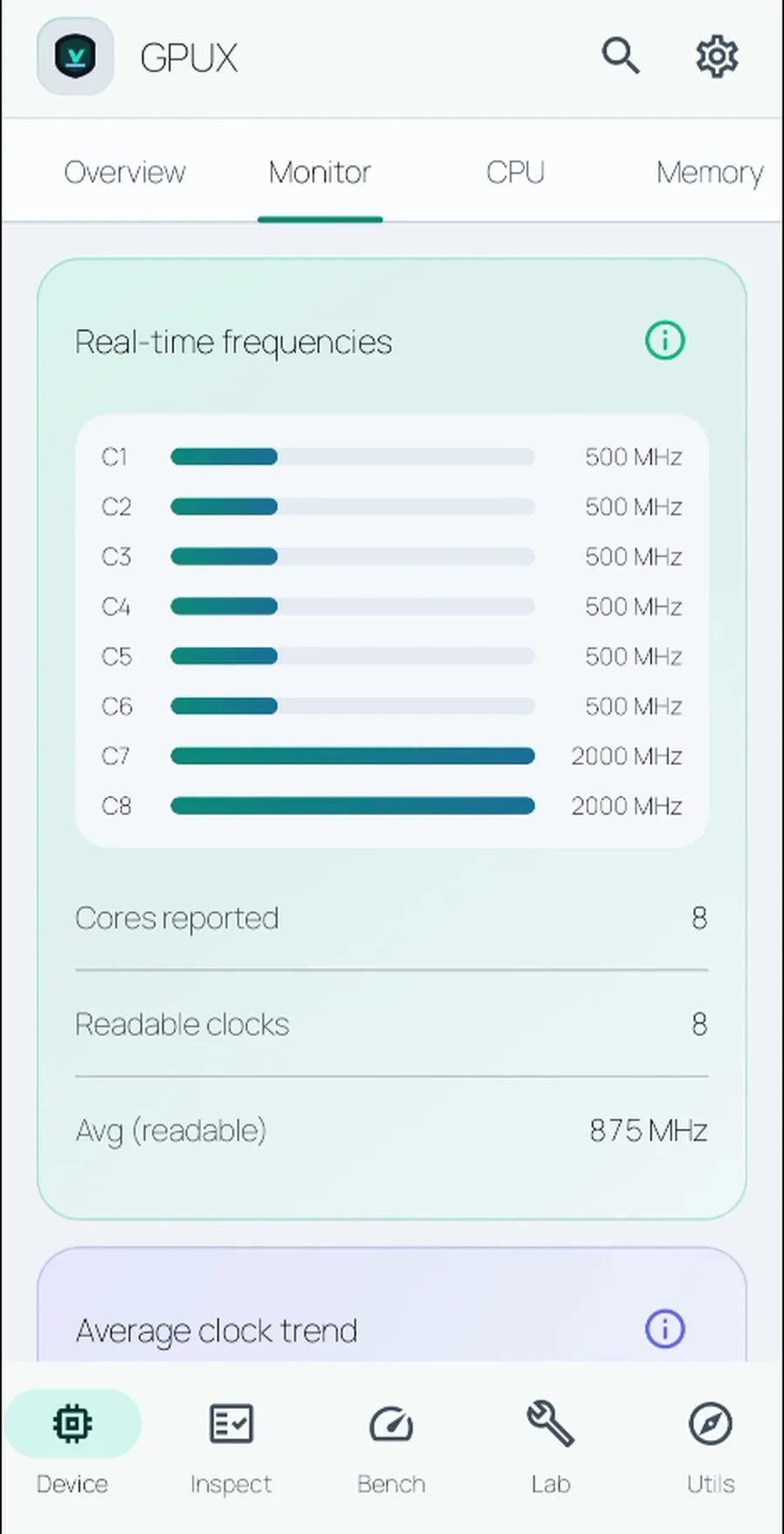
Device also includes Live Monitor for CPU clocks, a short frequency trend, battery level, and temperature. Choose System, Light, or Dark appearance in Settings.
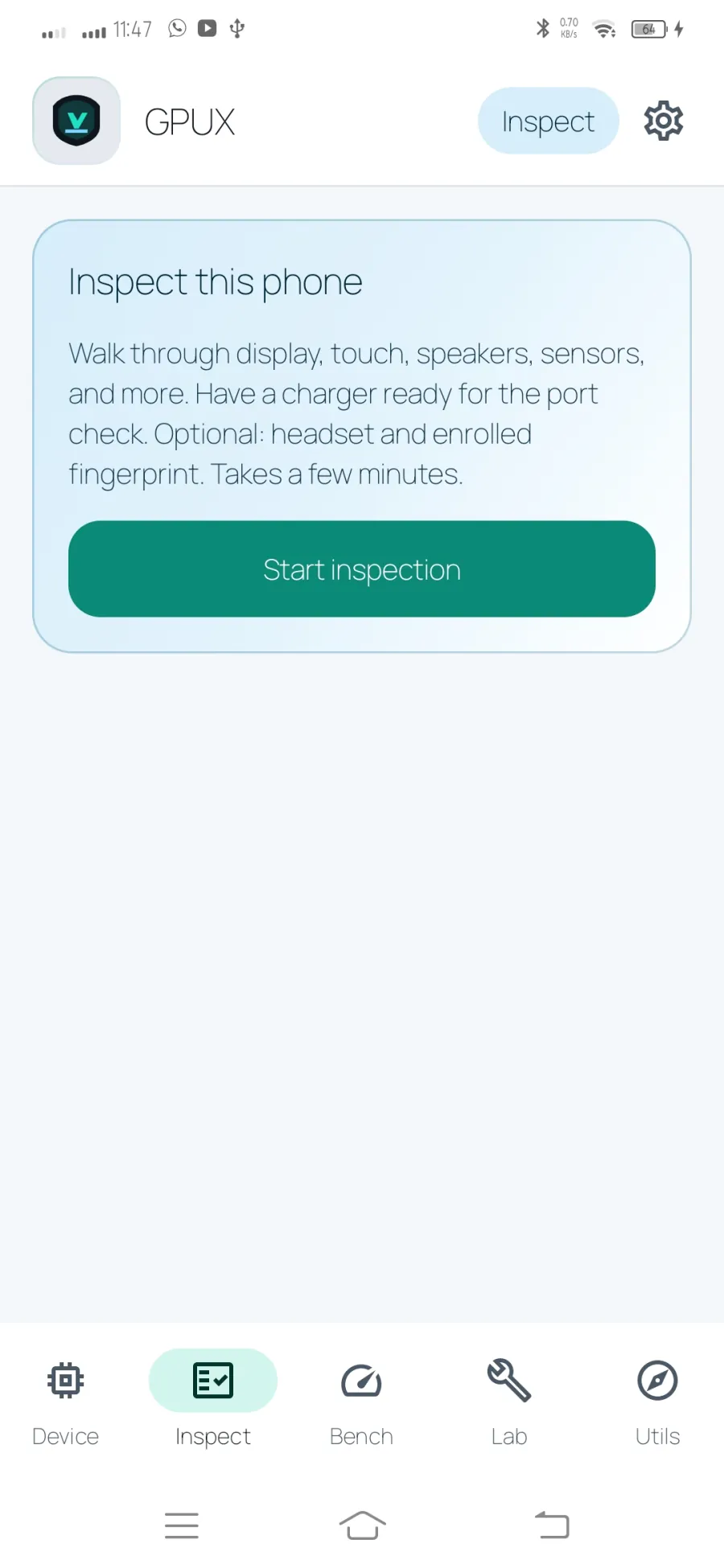
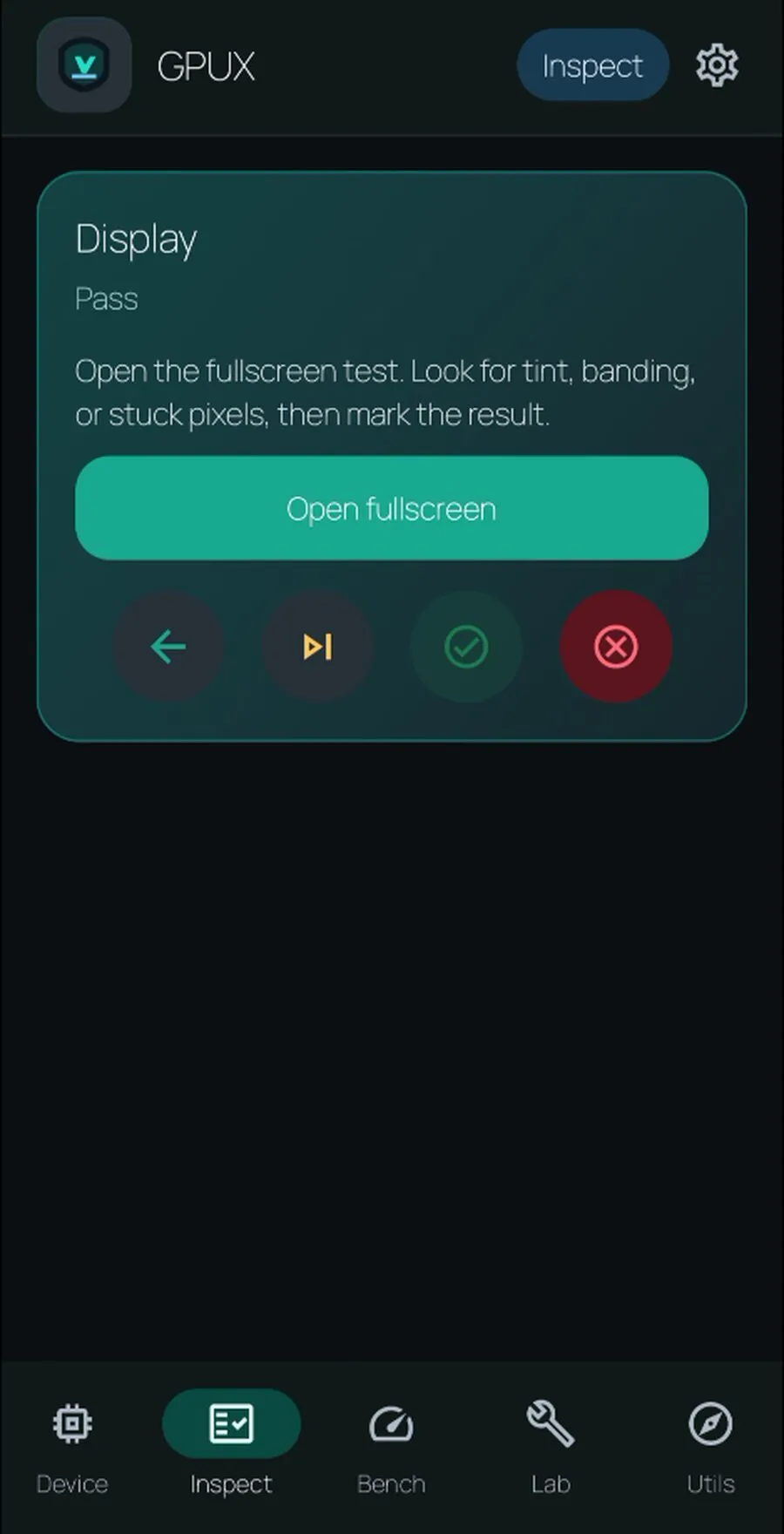
Follow a guided checklist for display, touch, sound, microphone, torch, sensors, charging, biometrics, camera, and other practical checks.
Mark each step pass, fail, skip, or unavailable, and use the protected back action so an accidental press does not discard a session.
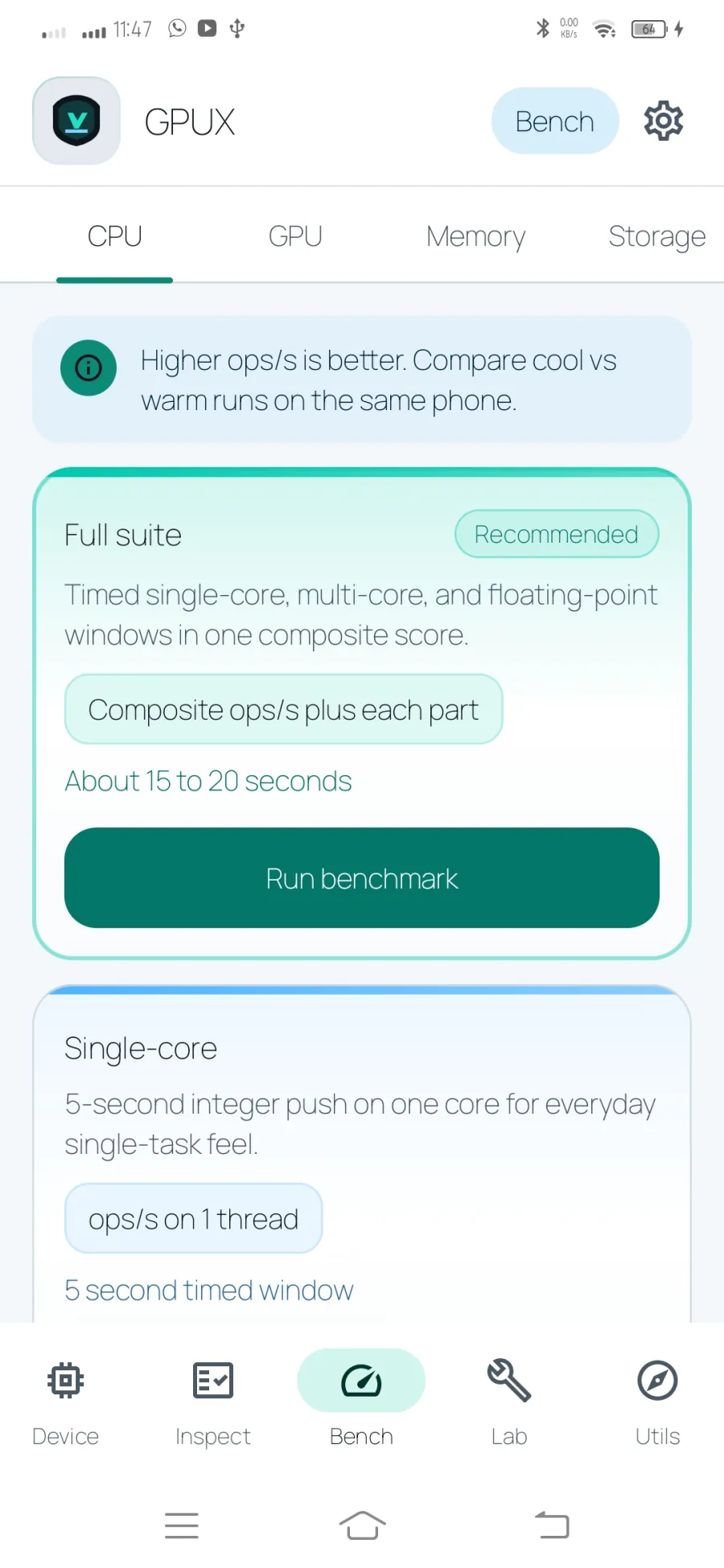
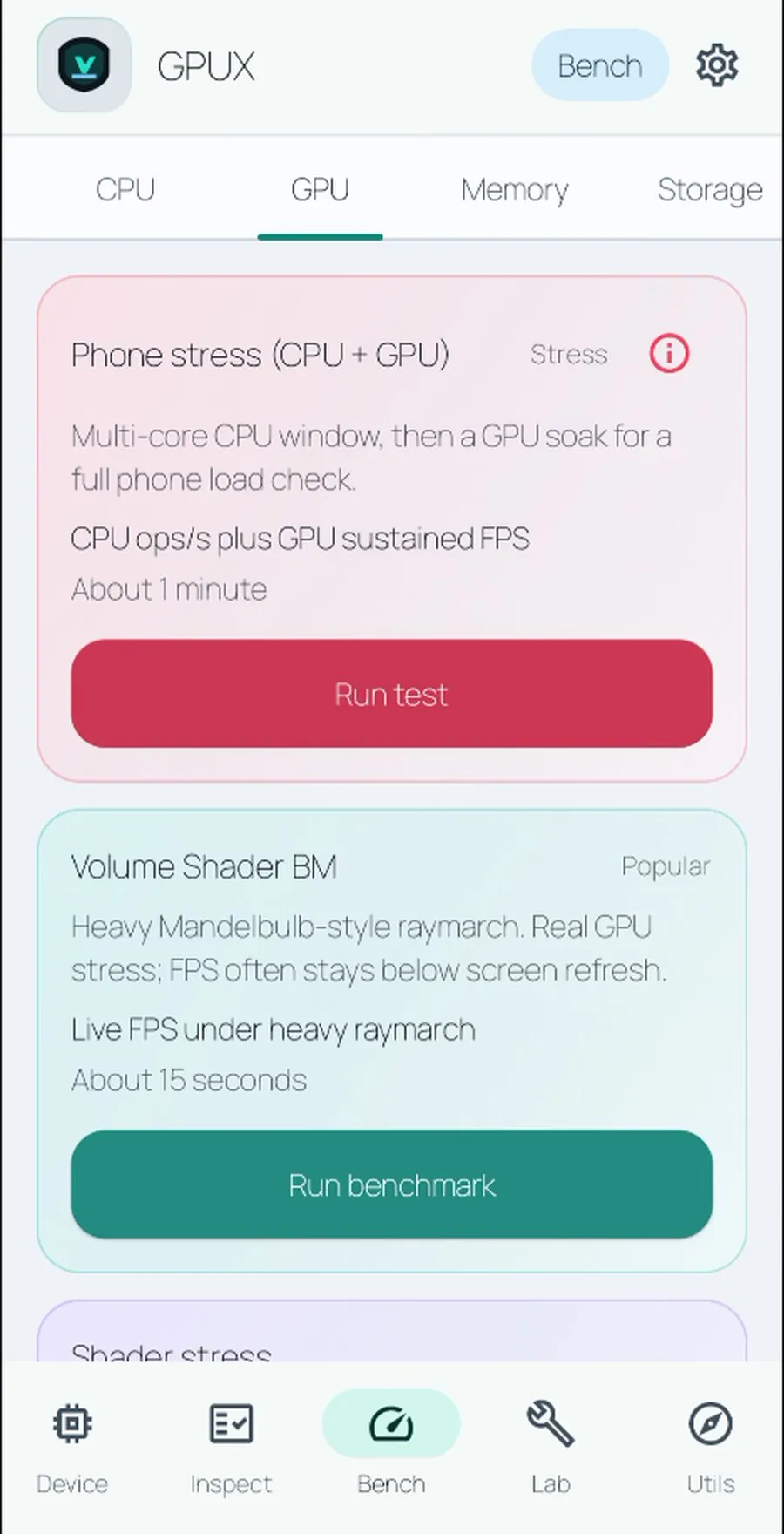
Run on-device CPU, GPU, memory, and storage tests. Results describe this phone under its current conditions; they are synthetic measurements, not a universal ranking.
For better comparisons, let the phone cool and close heavy background apps.
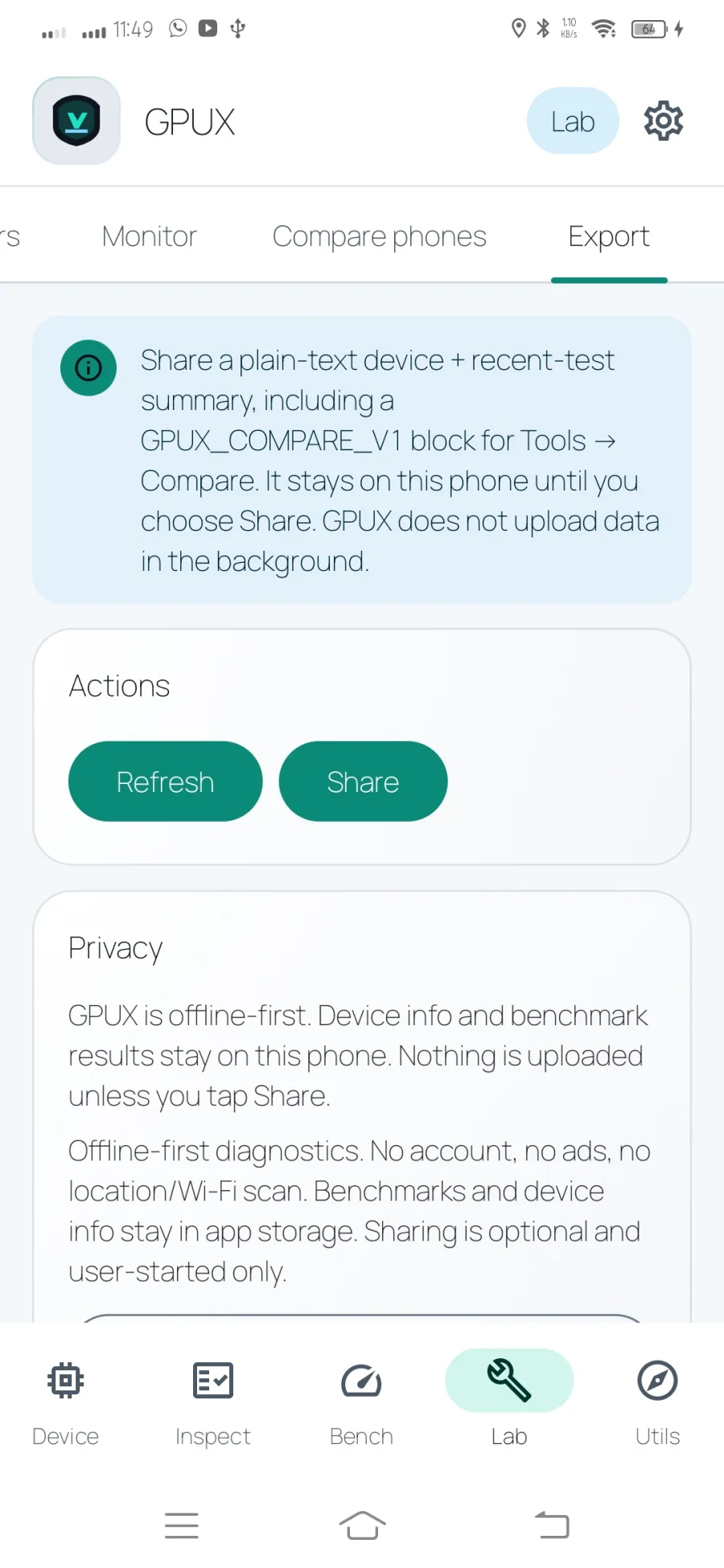
Open individual hardware retests, compare an imported GPUX report, and export a plain-text summary when you decide to share it. A quiet status notification is available in Settings.
Useful when checking a used phone, retesting after repair, or documenting a baseline.
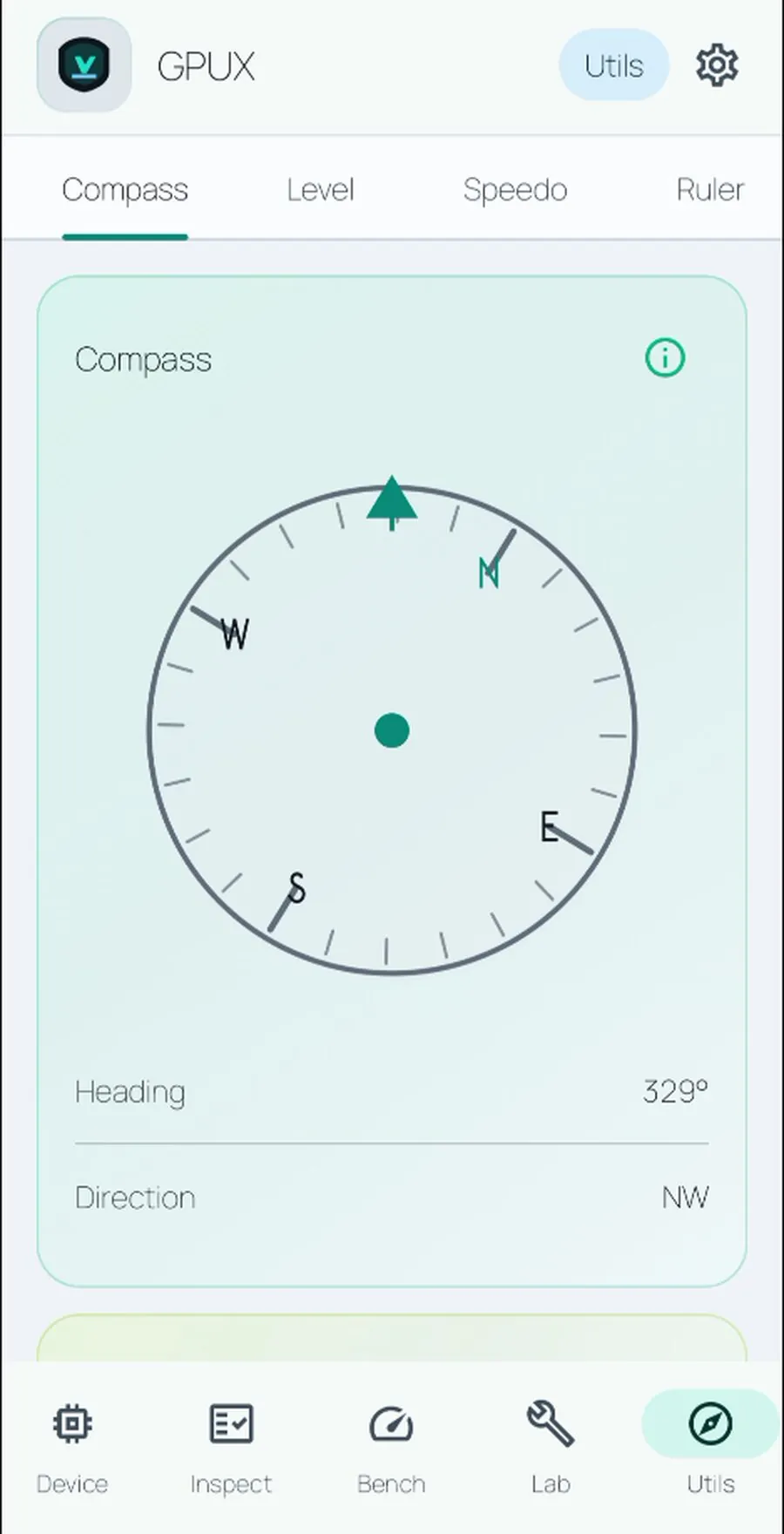
Use a compass by default, then enable Qibla only when needed. Qibla can use an optional location permission or an offline city preset.
Utils also includes a surface and wall level, GPS speedometer, on-screen ruler, optional network speed test, and a relative sound meter.